


Shopify Blog SEO: Set Up a Blog That Supports Your Store
A practical Shopify blog setup: URL structure, tags, titles, article schema and internal links to the products your posts discuss.

On this page
Shopify blog SEO comes down to four things: choose topics that match questions your buyers already ask, set up the blog's URLs and tags so they do not create thin pages, write a clear title and description for each post, and link every post to the collection or product it discusses. Shopify handles article schema and the basic structure in modern themes, so most of the work is editorial.
A blog does not replace good collection and product pages. It adds a second way for people to find you, mostly at an earlier stage of buying. Get indexing, duplicate URLs and product pages in order first. The Shopify SEO checklist gives the order.
How a Shopify blog is structured
Posts live at /blogs/<blog-handle>/<post-handle>. Shopify stores start with a blog called News, so the default address looks like /blogs/news/your-post. You can rename the blog, change its handle and create more than one blog, for example /blogs/guides/. Choose the handle before you publish, because changing it later changes every post URL and needs redirects. See how Shopify redirects work.
Keep each post handle short and descriptive, such as how-to-clean-leather-boots, not a full sentence.
Tags create extra pages
Shopify has no blog categories. It has tags, and every tag gets its own listing page at /blogs/news/tagged/tag-name. A long list of one-off tags produces many thin pages. Shopify's default robots.txt blocks combined tag URLs, but a single tag page is still crawlable.
Use a small, fixed set of tags that work like categories, such as Care, Buying guides and Troubleshooting. Do not tag a post with variations of the same word. If you want true categories with their own pages, use separate blogs.
Choose topics your buyers already search for
- Start from the problems your products solve. For hiking boots that means preparation, care and sizing, not general outdoor news.
- Use search tools for the exact phrases, and use the "People also ask" box for your core product terms.
- Search each phrase and look at what ranks. If the results are all buying guides, write a buying guide. If they are step-by-step fixes, write a fix.
- Tie each topic to one collection or product it should send readers to.
Write the title, URL and description
In the article editor, the "Search engine listing" section sets the title tag and meta description. Keep the title under about 60 characters with the main phrase near the front, and the description under about 160 characters, written to help someone decide to click. The post title becomes the H1, so do not add a second one in the body. Use H2 for main sections and H3 for subsections.
Put the answer to the main question in the first paragraph. Readers and search engines both look there first.

Link every post to what you sell
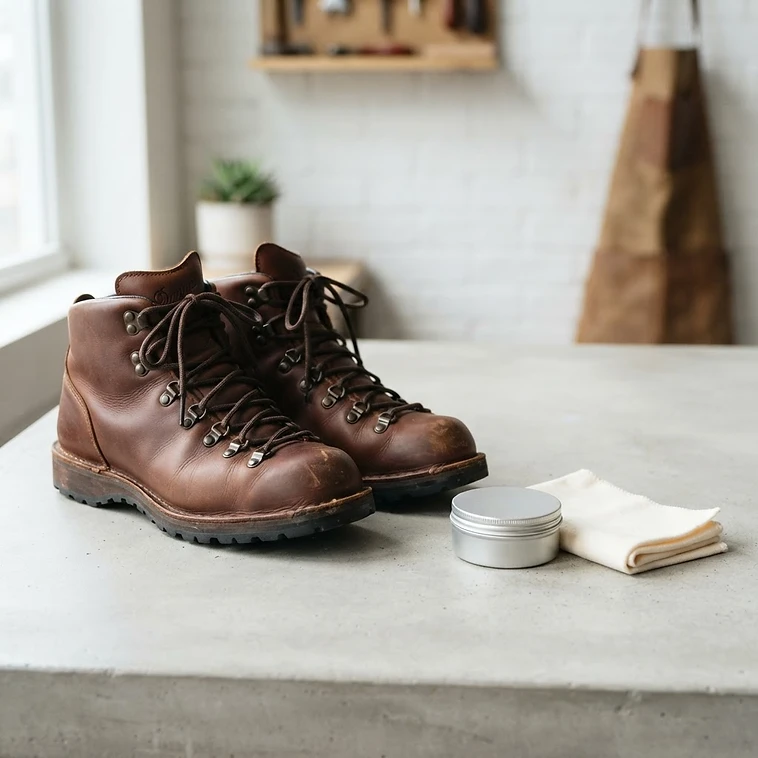
The most useful thing a blog does for a store is send readers to products. In each post, link the relevant words to the specific collection or product, not to the homepage. A care guide for leather boots should link "leather conditioner" to that product. You can also feature related products at the end of the post with a metafield and a block in your article template, if your theme supports it.
Also link between posts. A new post should link to the related older ones, and older ones should link back, so readers and crawlers can follow the topic.
Article schema
Shopify's reference documents a structured_data filter that supports both product and article objects, and Dawn's main-article.liquid outputs article markup through {{ article | structured_data }}. Check your theme does the same by testing a post in Google's Rich Results Test. If an app also adds article schema, keep only one source so the page does not carry two.
Measure it honestly
In Search Console, filter performance by the blog's address and look at impressions, clicks and the queries each post earns. A new blog usually takes months to show movement, and some posts will never get traffic. Review at 90 days, update the posts that are close to page one, and stop writing on topics that earn nothing.
Check the technical foundation
A blog on a store with indexing or duplicate URL problems will not perform. SEO Karbon's free Shopify SEO audit checks those basics as part of 71 checks across 10 areas, with no login. Then see the collection page guide and the product page guide, since those are the pages your posts should be sending people to.
Next step
See how your own store scores
The free audit checks your store against the issues in this article — indexation, duplicate collections, page speed and everything else that holds a Shopify store back — and shows you what to fix first.